
Sign in
Get back into your account to manage your listings.
1 minBusiness ownersEasy
Quick answer
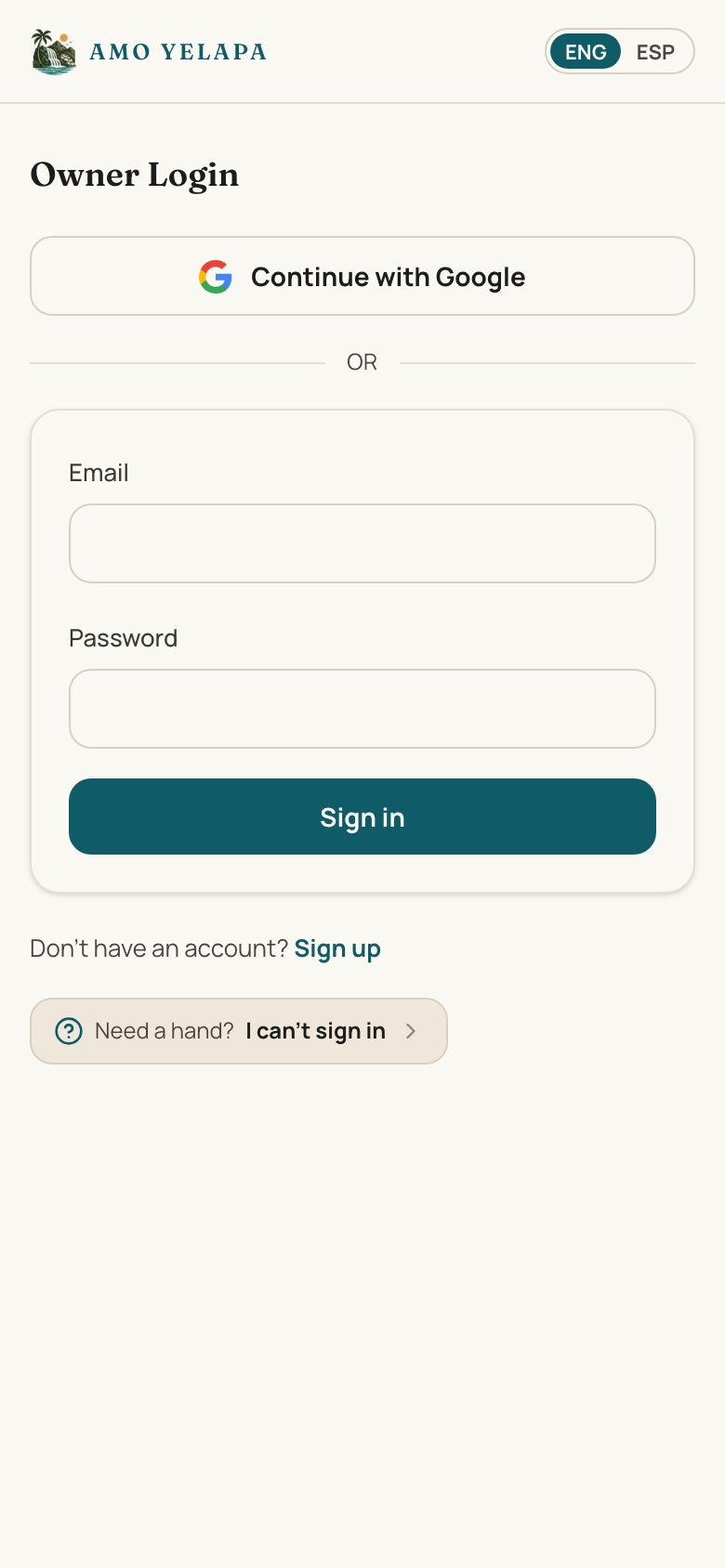
Two ways in: tap “Continue with Google,” or enter the email and password you signed up with and tap “Sign in.” Either way you land on “My Listings.”
Continue with Google — or — Email + passwordMy Listings
Before you start
- An account you already created
- A confirmed email (email/password sign-in only)
Step by step
- 1
Open the sign-in page.
- 2
To use Google, tap “Continue with Google” and pick your account — you're in.
- 3
To use a password instead, enter the email and password you signed up with.
- 4
Tap “Sign in.”
Tips
- If you created your account with Google, always use “Continue with Google” — you never set a password to type.
If something goes wrong
It says my email isn't confirmed
That only applies to email/password accounts — tap “Resend confirmation,” then open the email and tap the link. Google sign-in needs no email confirmation.
My password isn't working
If you signed up with Google, use “Continue with Google” instead. Otherwise see “I can't sign in.”