
Create an account
Sign up to claim a business or help improve Yelapa.
1 minBusiness ownersVisitorsEasy
Quick answer
Fastest way: tap “Continue with Google” and pick your account — no password, no confirmation email. Prefer a password? Tap “Create account,” enter your email and a password, then open the confirmation email we send and tap the link.
Continue with Google — or — Email + passwordConfirm your email (password only)Sign in
Step by step
- 1
Open the sign-up page.
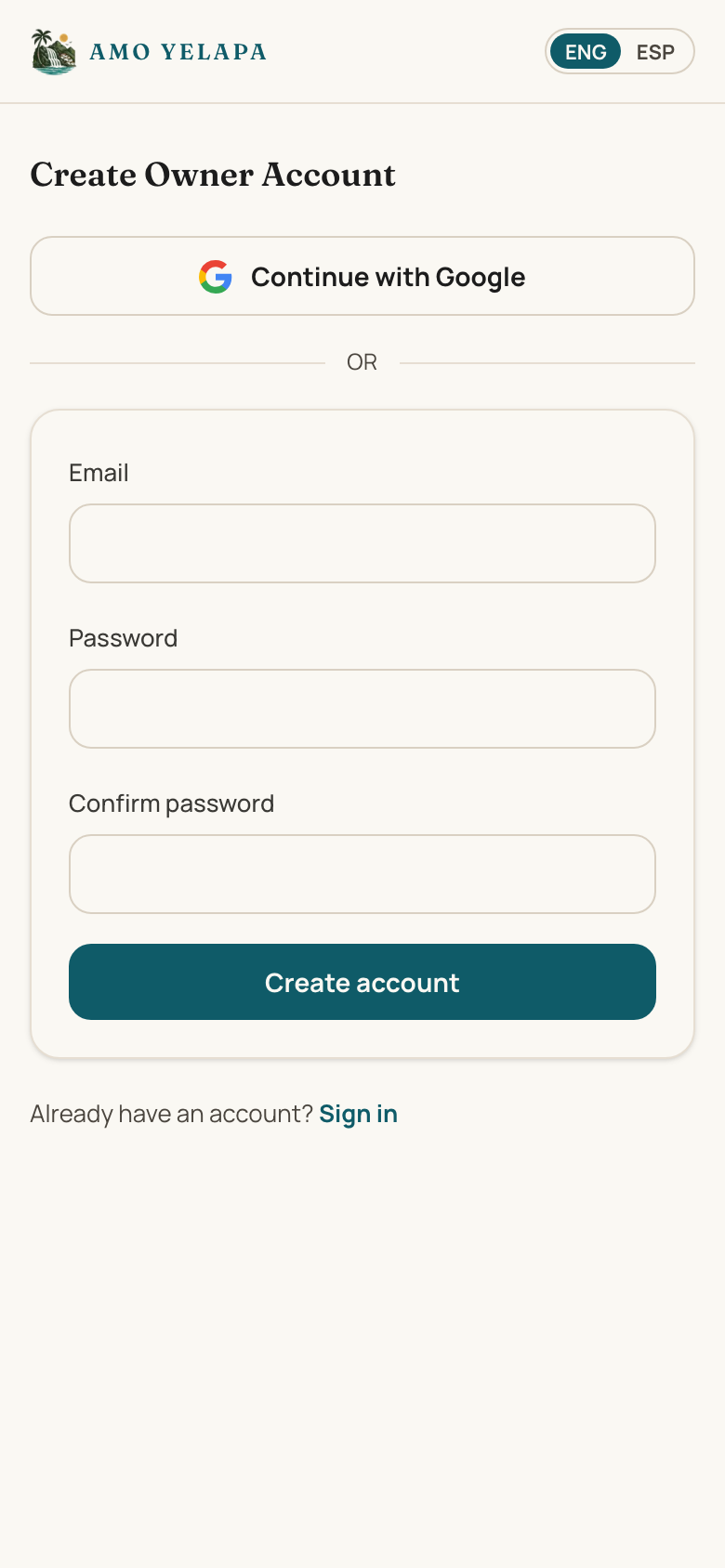
- 2
Fastest: tap “Continue with Google” and pick your account — you're done, skip the rest.
- 3
Or tap “Create account,” enter your email, then choose a password and type it again to confirm.
- 4
For the password option, we'll send a confirmation email — open it and tap the link inside.
- 5
Come back to the app and sign in.
Tips
- Your account is free, and the same login works for every listing you claim.
- “Continue with Google” skips passwords and email confirmation entirely — Google verifies you.
If something goes wrong
I didn't get the confirmation email
Check spam first, then see “Didn't receive our email.”