
Find your way around
A quick tour of how to explore Yelapa in the app.
2 minVisitorsEasy
Quick answer
Use the bottom bar: Explore to browse places, Map to see them around you, Ask for local tips, and Transport to plan your trip in. Tap any place for its hours, photo, and how to get there.
ExploreMapAskTransport
Step by step
- 1
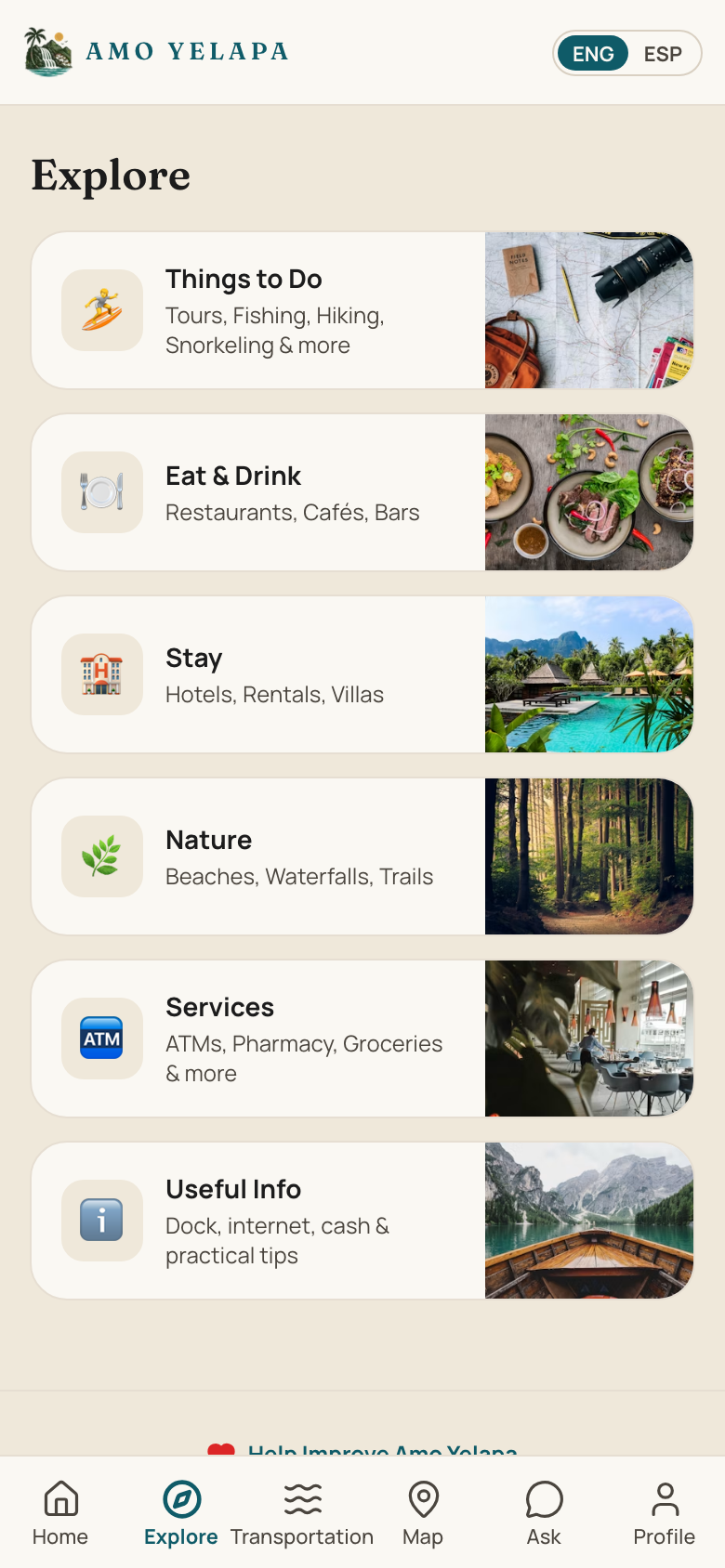
Tap “Explore” to browse restaurants, stays, and services.
- 2
Tap any place to see its hours, location, and contact options.
- 3
Tap “Map” to see what's near you.
- 4
Tap “Ask” for local questions, or “Transport” to plan how to get to Yelapa.
Tips
- Switch the language anytime with the ENG / ESP toggle at the top.
- Own a business here? See “Claim your business” to manage your listing.
Next, you might want to…
Claim your business
Tell us a listing is yours so you can manage it.
2 minHelp improve Yelapa
Send a fix, a missing place, or an idea — it all helps.
2 minCreate an account
Sign up to claim a business or help improve Yelapa.
1 minReport incorrect information
Tell us when a listing's details are wrong.
1 min