
Claim your business
Tell us a listing is yours so you can manage it.
2 minBusiness ownersEasy
Quick answer
Open your listing, find “Is this your business?” and tap “Message us on WhatsApp.” Tell us it's yours and we take it from there — no account, no forms.
Open your listing“Is this your business?”Message us on WhatsAppWe confirm it
Step by step
- 1
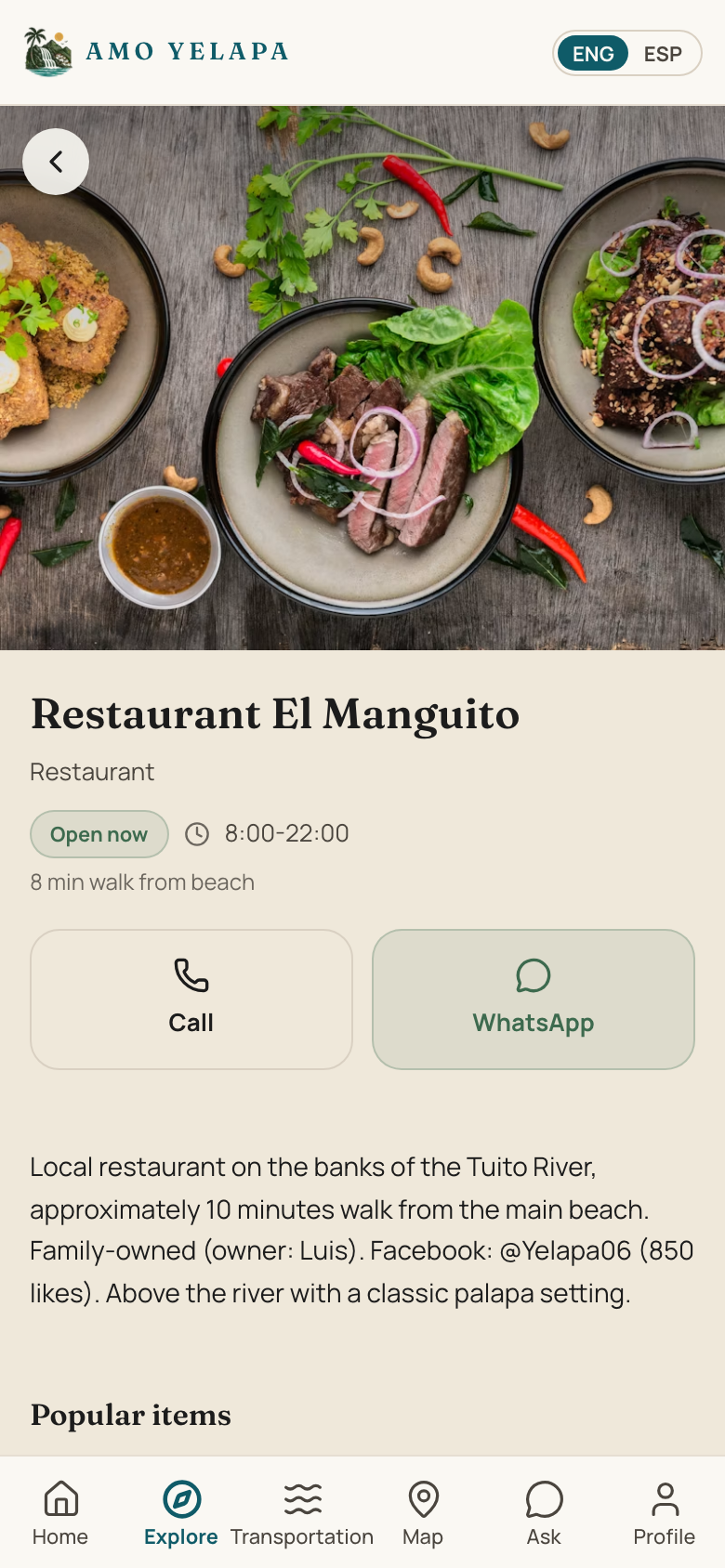
Find your business — open it from the map, or browse its category under Explore.
- 2
Scroll to “Is this your business?” and tap “Message us on WhatsApp.”
- 3
Send the message — it already says it's yours. We reply to confirm.
- 4
That's it. From then on, you just send us a WhatsApp whenever something changes.
Tips
- Prefer to do it with an account? There's also an “or claim it with an account” option — but you never need it.
- Use the same name people know your business by — it helps us match it faster.
If something goes wrong
Someone already claimed it
Contact us and we'll sort out who the real owner is.
I can't find my business
It may not be listed yet — see “Suggest a place we missed” and we'll add it.